How to stop your best ideas from getting lost in the noise
For anyone with ideas worth sharing, at work, in their own business, or online. In a world drowning in AI-generated noise, a clear visual is how you cut through. The exact free tools you need to get started.
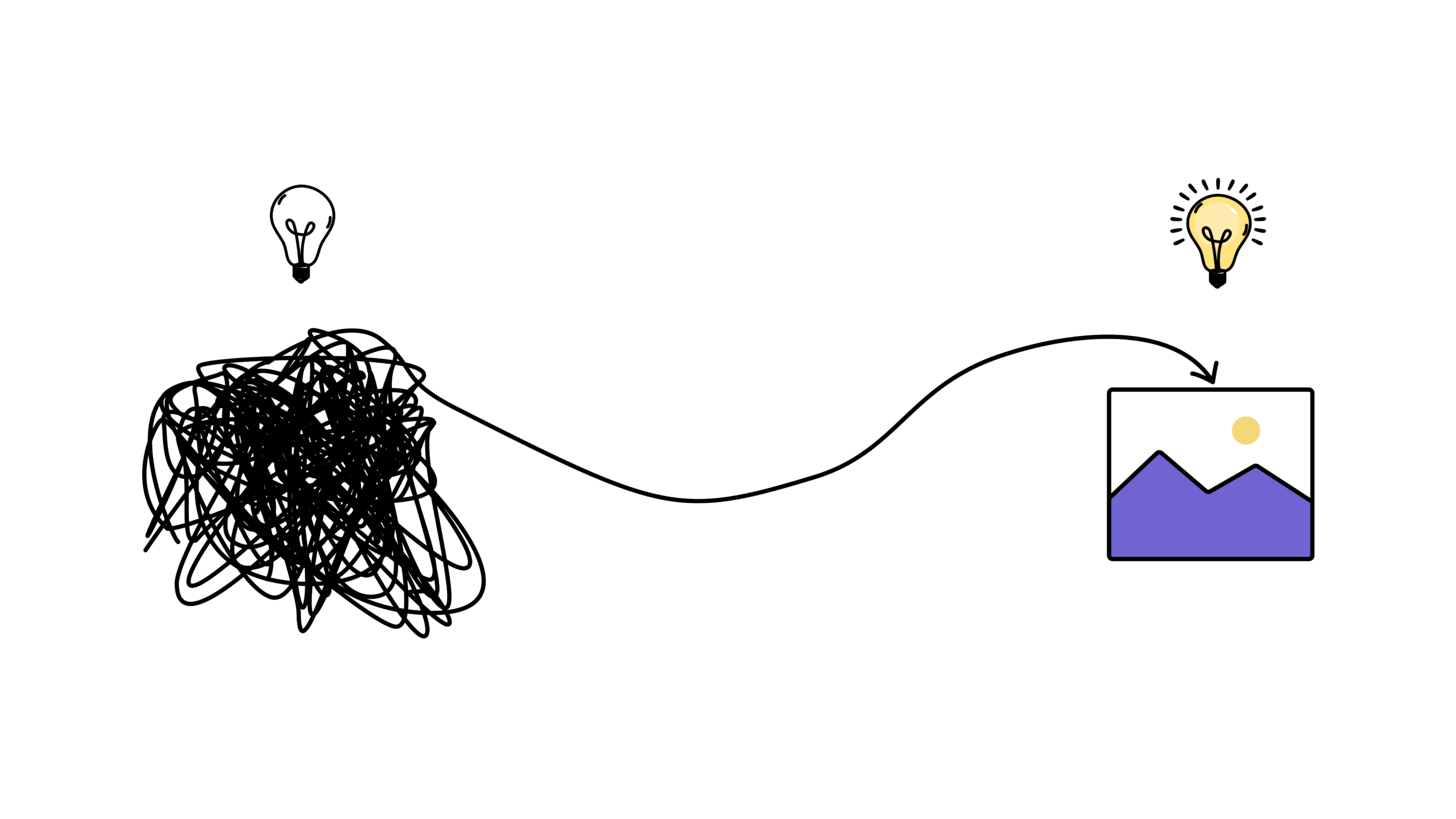
Instant download · 30-day money-back guarantee
You’ve seen it happen. Visuals win. Text loses.
You submit a 10-page analysis. No one reads it. A colleague shows one diagram. It becomes the star of the meeting.
You spend hours writing a proposal. Lose the room by slide three. Someone shows one chart. Everyone suddenly gets it.
You explain the process out loud. Everyone nods. Next week, same questions. Your peer sketches four boxes and arrows. No questions. Just clarity.
You post a thoughtful paragraph. 12 likes. Someone posts a stick figure version. 10,000 likes.
And AI is only making it harder to stand out.
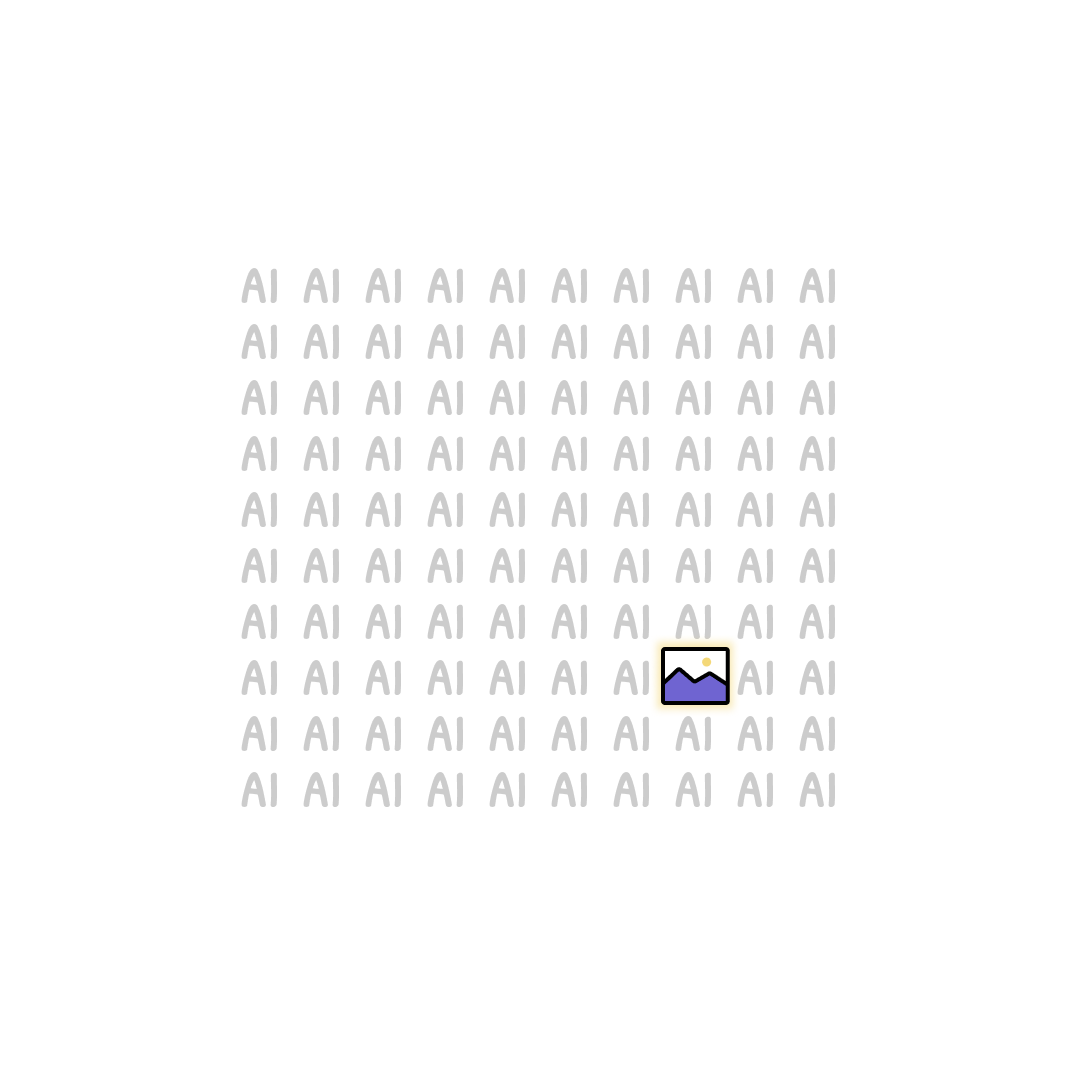
AI is flooding every feed, every inbox, every meeting deck with text. More words. More noise. More of the same. If your ideas look like everything else, they get ignored like everything else.
The brain processes images 60,000x faster than text. People remember 80% of what they see versus 10% of what they hear. If you want your ideas to land at work, online, or anywhere, you need to stand out. A clear visual does that. Words alone don’t anymore.
Yes, AI can generate images too. But everyone recognizes them. Your brain shuts off. A handcrafted visual works better now than it ever did before, precisely because everything else is automated. It’s human. It’s yours. People can tell.
What I wish existed when I started
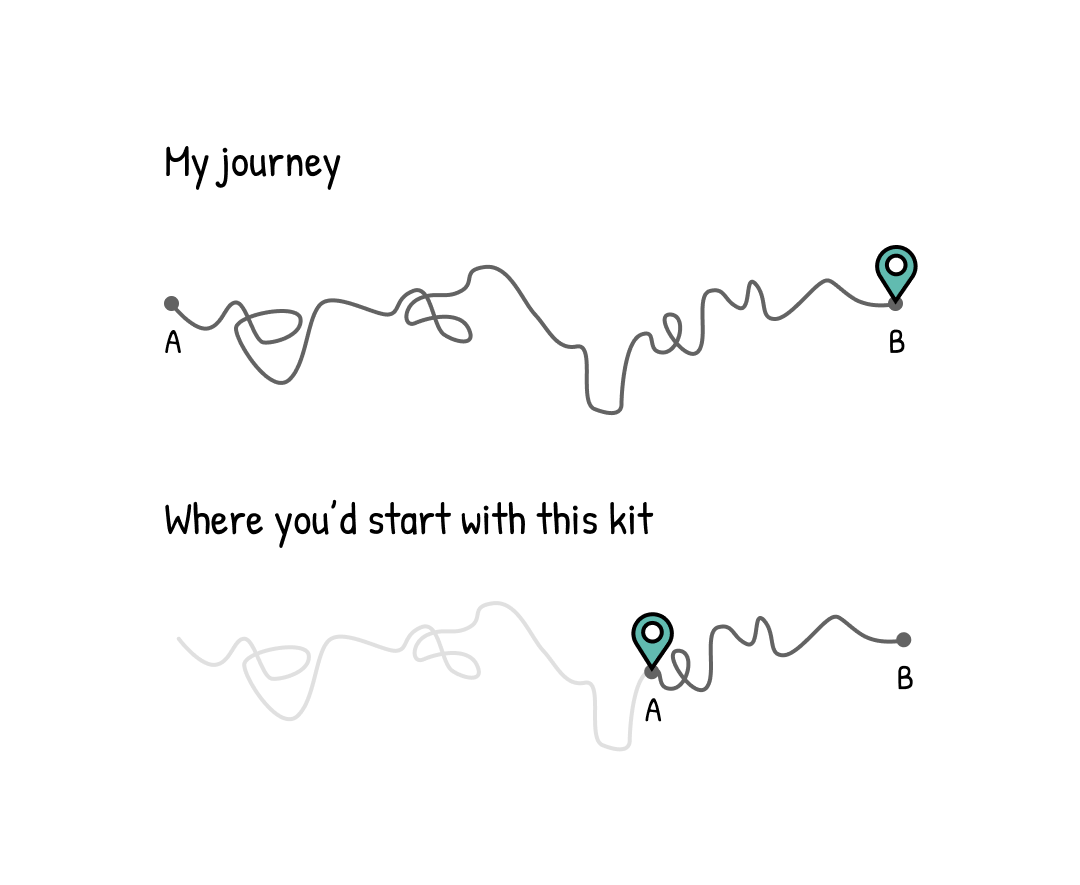
I was doing the same thing: reading everything, retaining almost none of it. I wanted to start turning my ideas into visuals. One problem: I genuinely cannot draw. So the question was never “how do I learn to draw.” It was “which tools let me skip that entirely.”
Six months of figuring it out. Which free tools actually work. Which ones are overkill. How to go from a rough idea to a finished visual without any design background. Trial and error. Wasted time. False starts.
18 months later: 275K followers, $0 in software costs. This kit is what I wish someone had handed me on day one.
“I work in ops and I’ve been the person who writes the long document nobody reads. I bought this on a Sunday, made a childish simple visual that afternoon, emailed it, and had three colleagues come back to me saying it was super refreshing and clear.”
“I have a lot of ideas, but struggled to share them. Always thought infographics or images would probably work and your starter kit helped me to just do it.”
Three resources that get you from blank page to finished visual.
Total value $49 — $9 today
Apple Pay · Google Pay · PayPal · All major cards accepted
You’ll know exactly which tool to open, which format to pick, and how to post your first visual today
- Which tool to open first (there are only five, all free)
- How to turn a messy idea into a finished visual, using the right tool, not drawing skill
- The 1% of features worth learning, nothing else
- Which visual format fits what you’re trying to say
- How to post your first visual before you finish reading
No Photoshop. No color theory. Just the setup that works.
Not a design course. The right kit if you just need a push to start.
- ✓You have ideas and want to express them more clearly, at work, in your own business, or on social media
- ✓You’re done watching others cut through the noise while your words get ignored
- ✓You just need someone to show you which tools to use and how to start
- ✗Want to learn to draw or design. That’s a different thing entirely
- ✗Already make visuals regularly
- ✗Are looking for a passive read with no action steps
Make your first visual today
Email me your receipt within 30 days. Full refund, no questions. You keep everything.
